
Inside the Manage app
One native window to install, inspect, and manage every part of Harn.
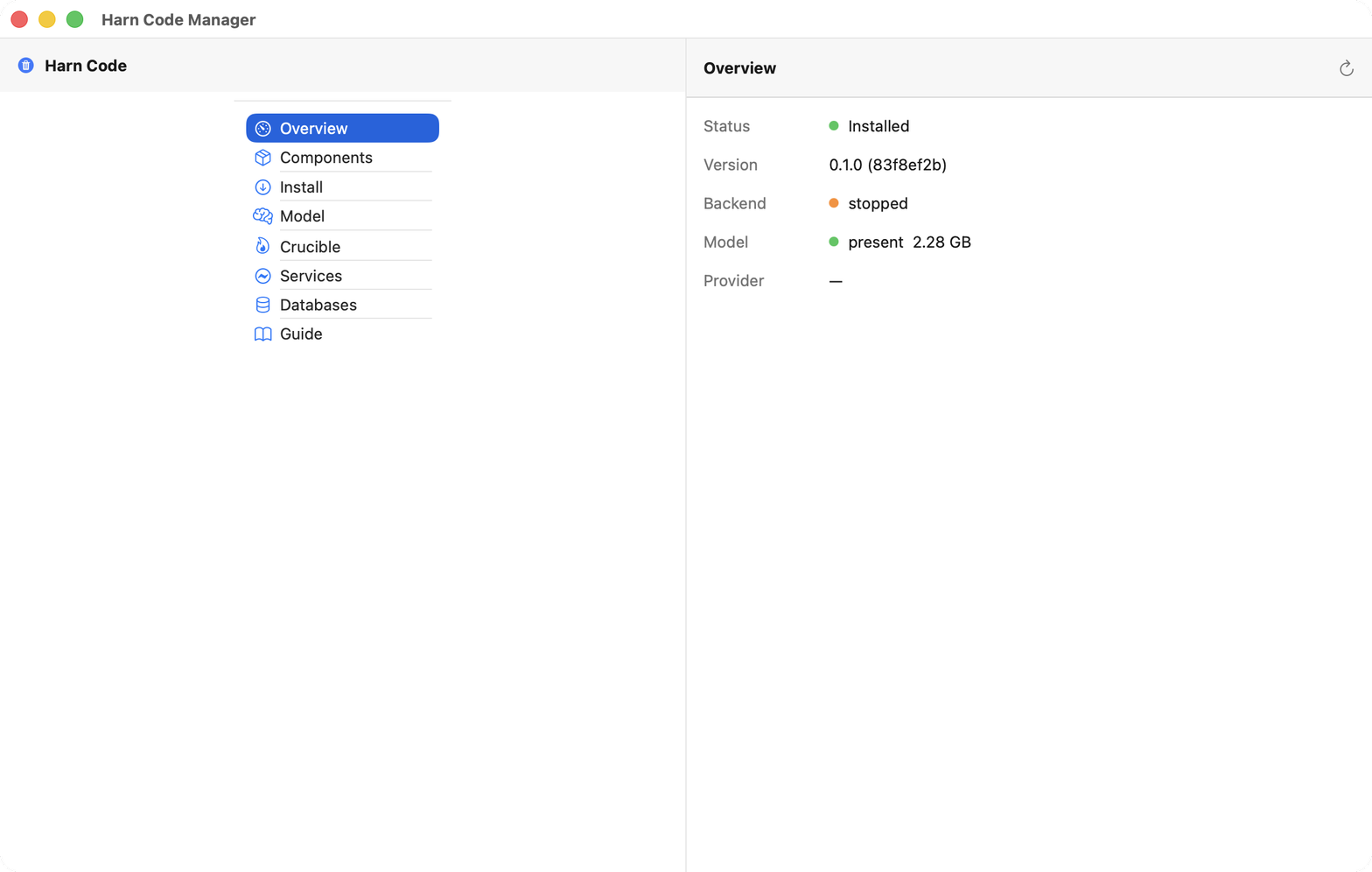
Overview
A grounded health snapshot: version, backend, served model, all probed from disk.
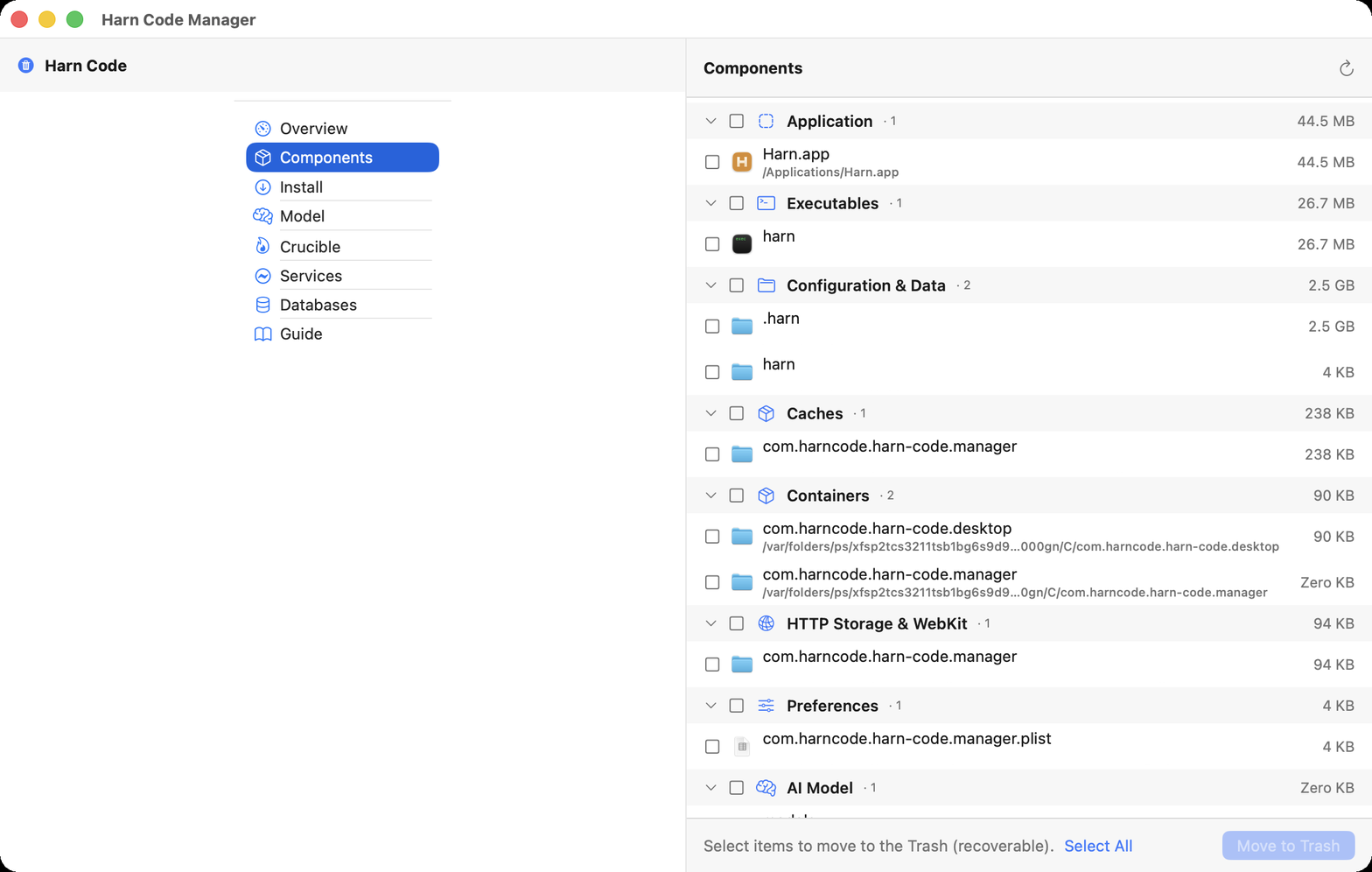
Components
Everything Harn put on disk, sized and removable. Tick items and Remove, never a mass-uninstall.
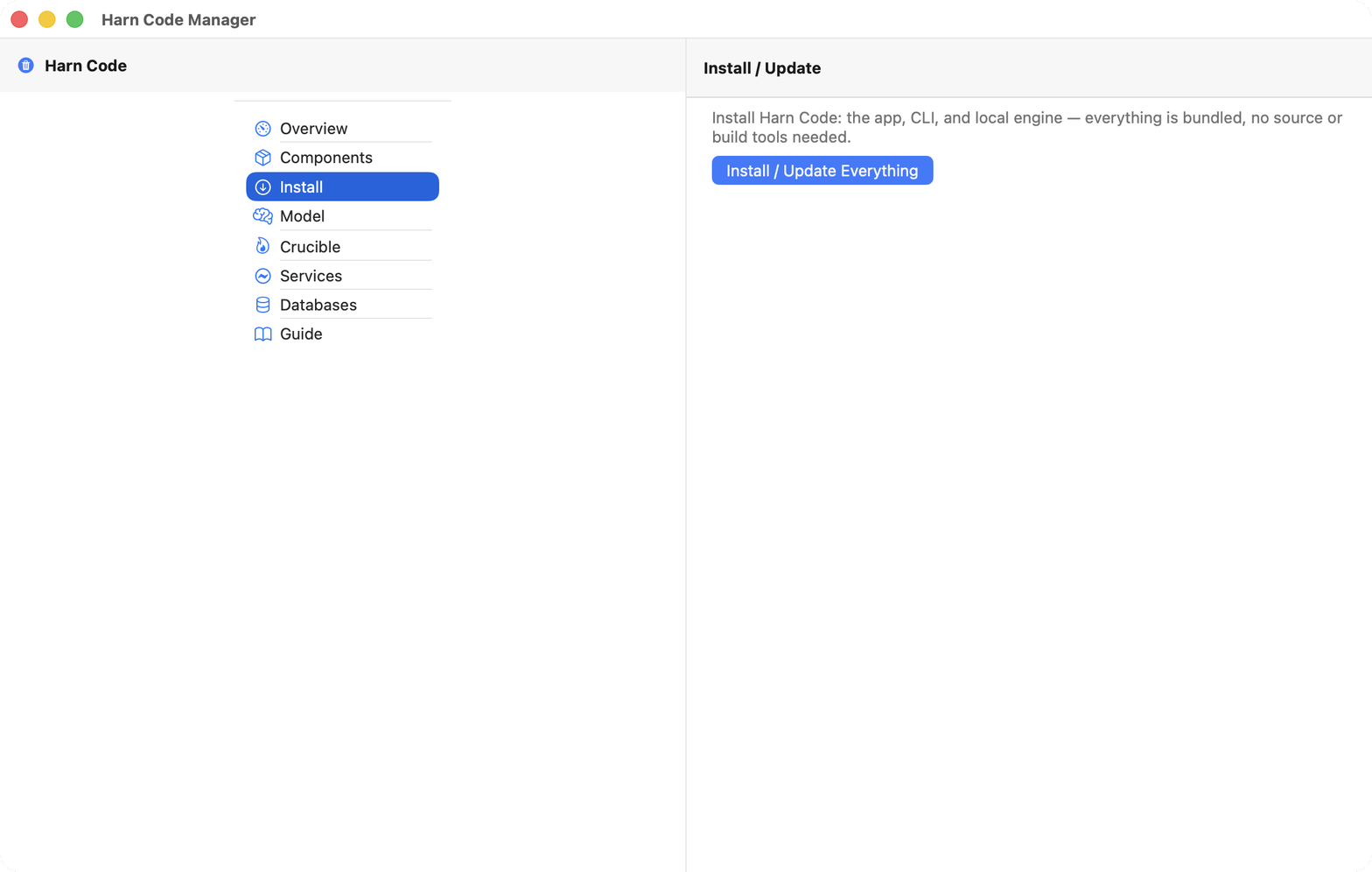
Install
The app, CLI, and local engine in one click. Everything is bundled, no build tools needed.
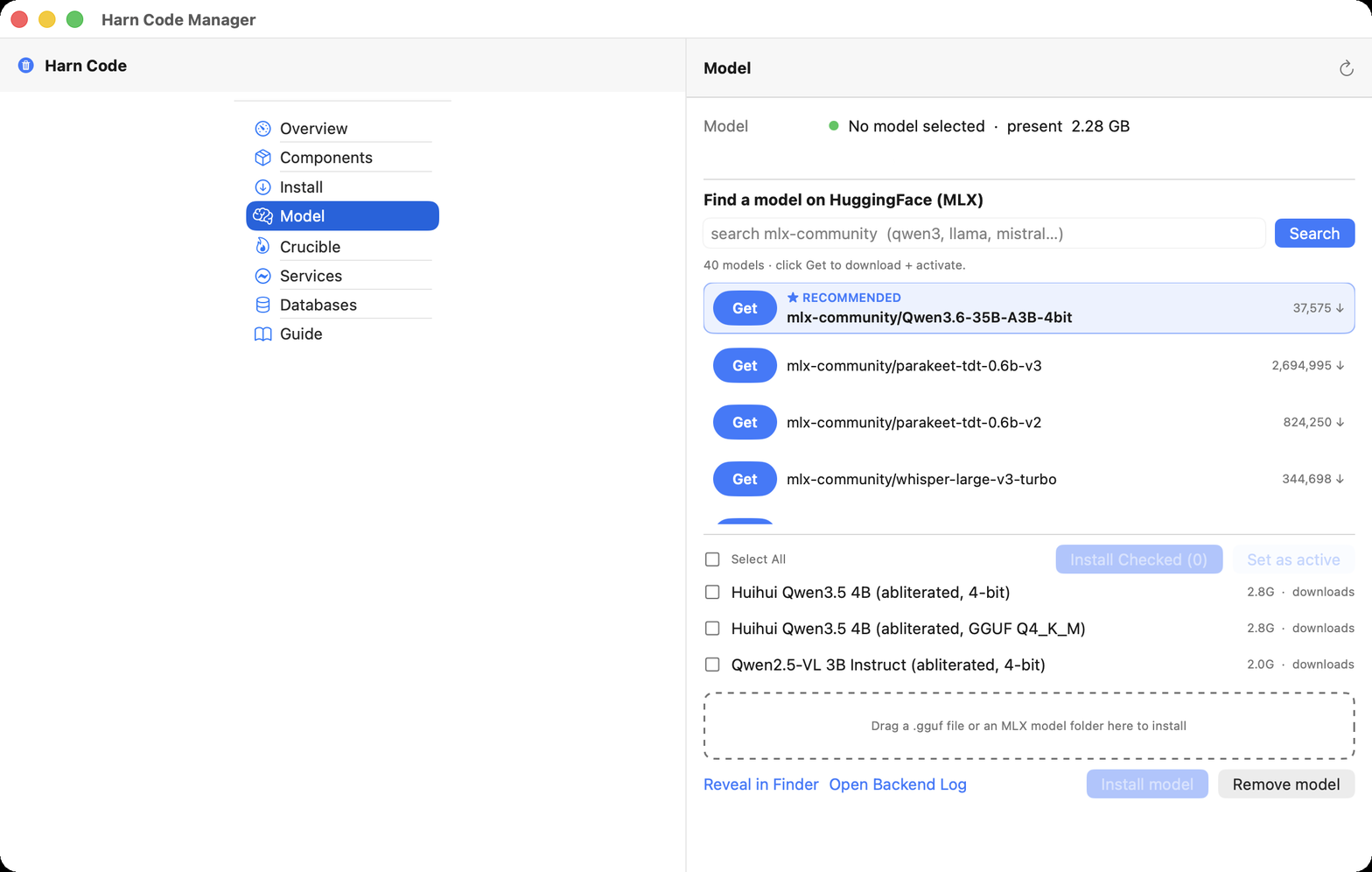
Model
Search HuggingFace, download and activate a local MLX model, or drag your own in.
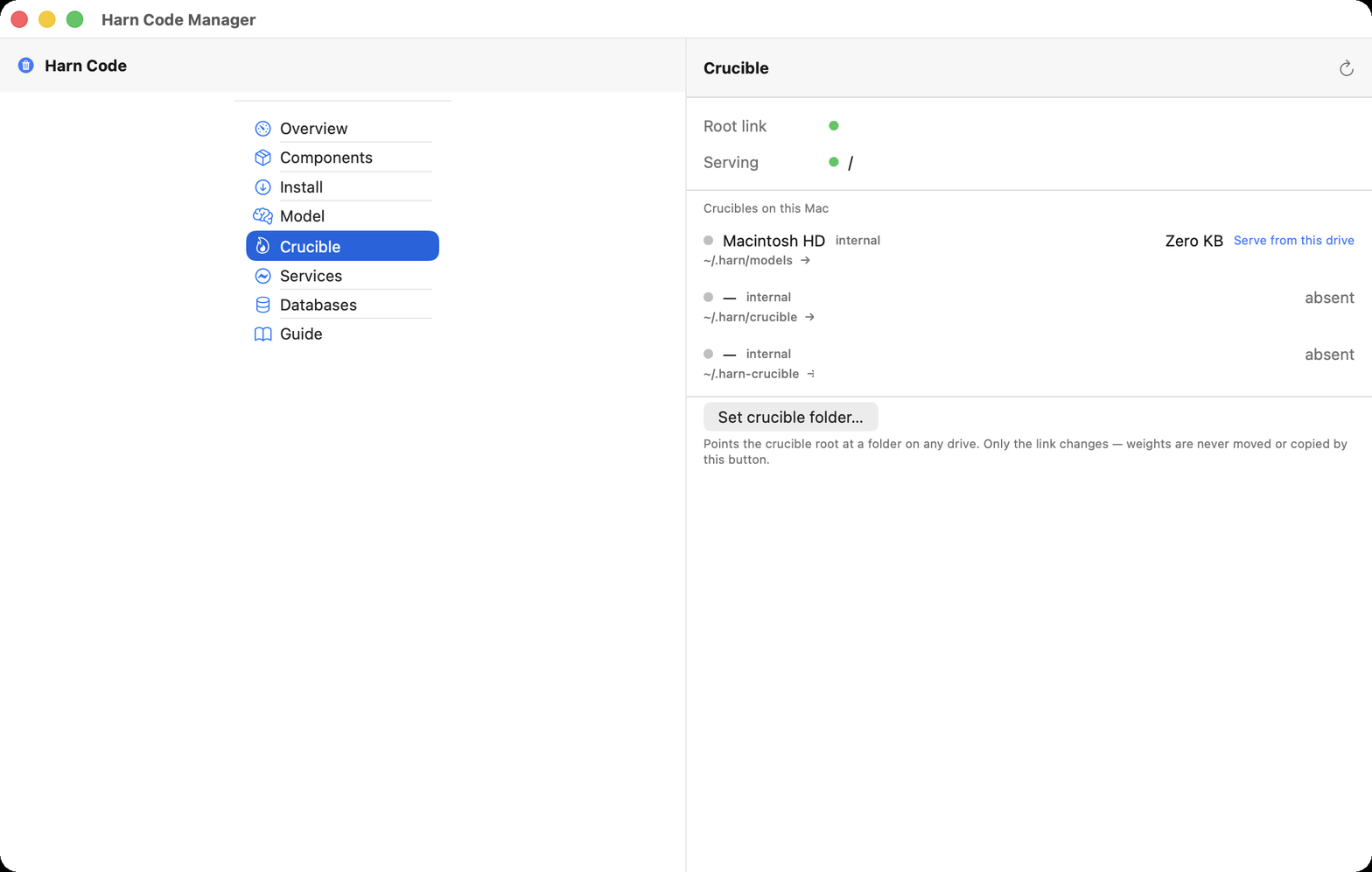
Crucible
Point the on-device training store at any drive. Only the link moves, weights never do.
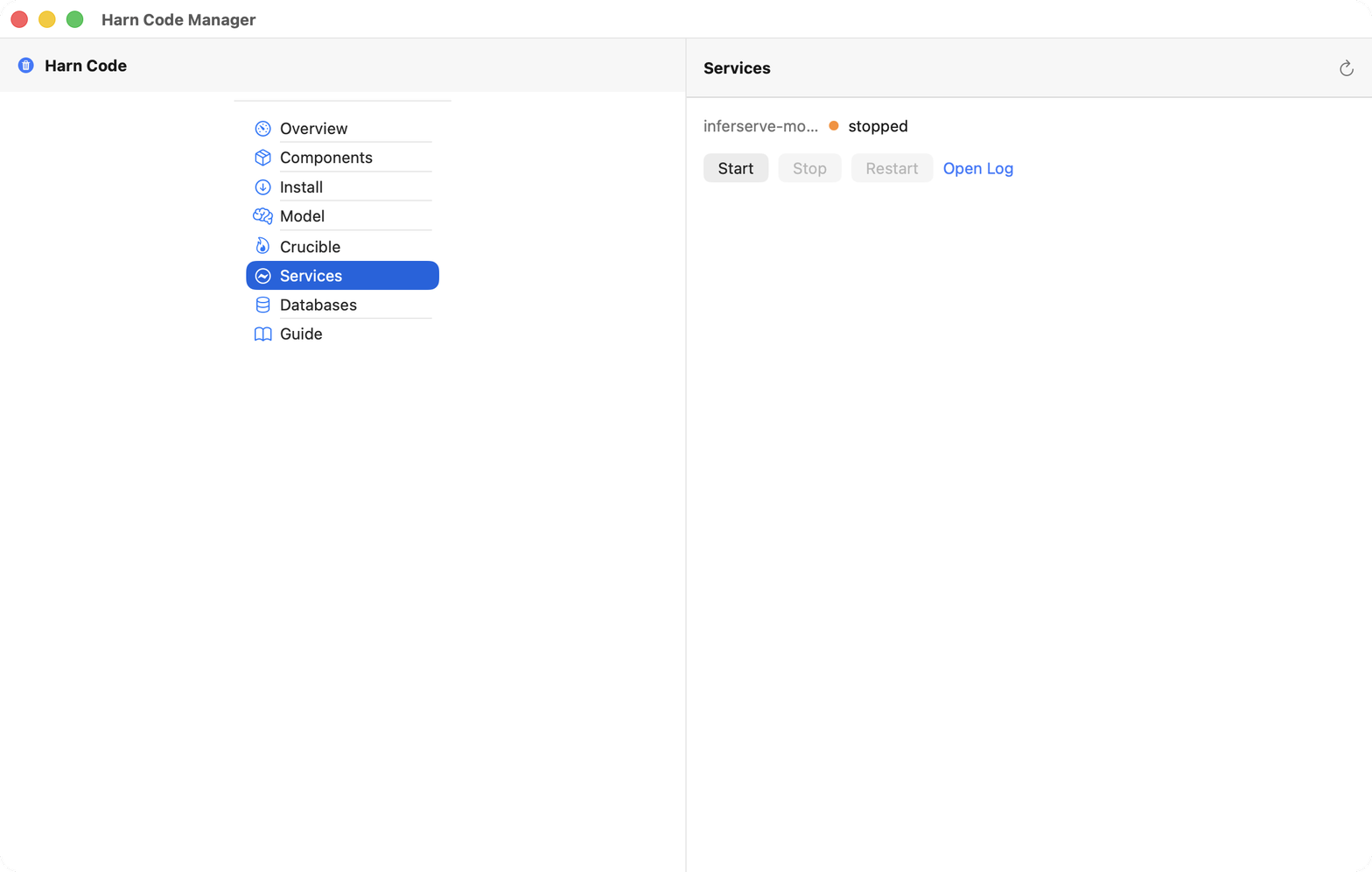
Services
Start, stop, or restart the local inference engine and open its log.
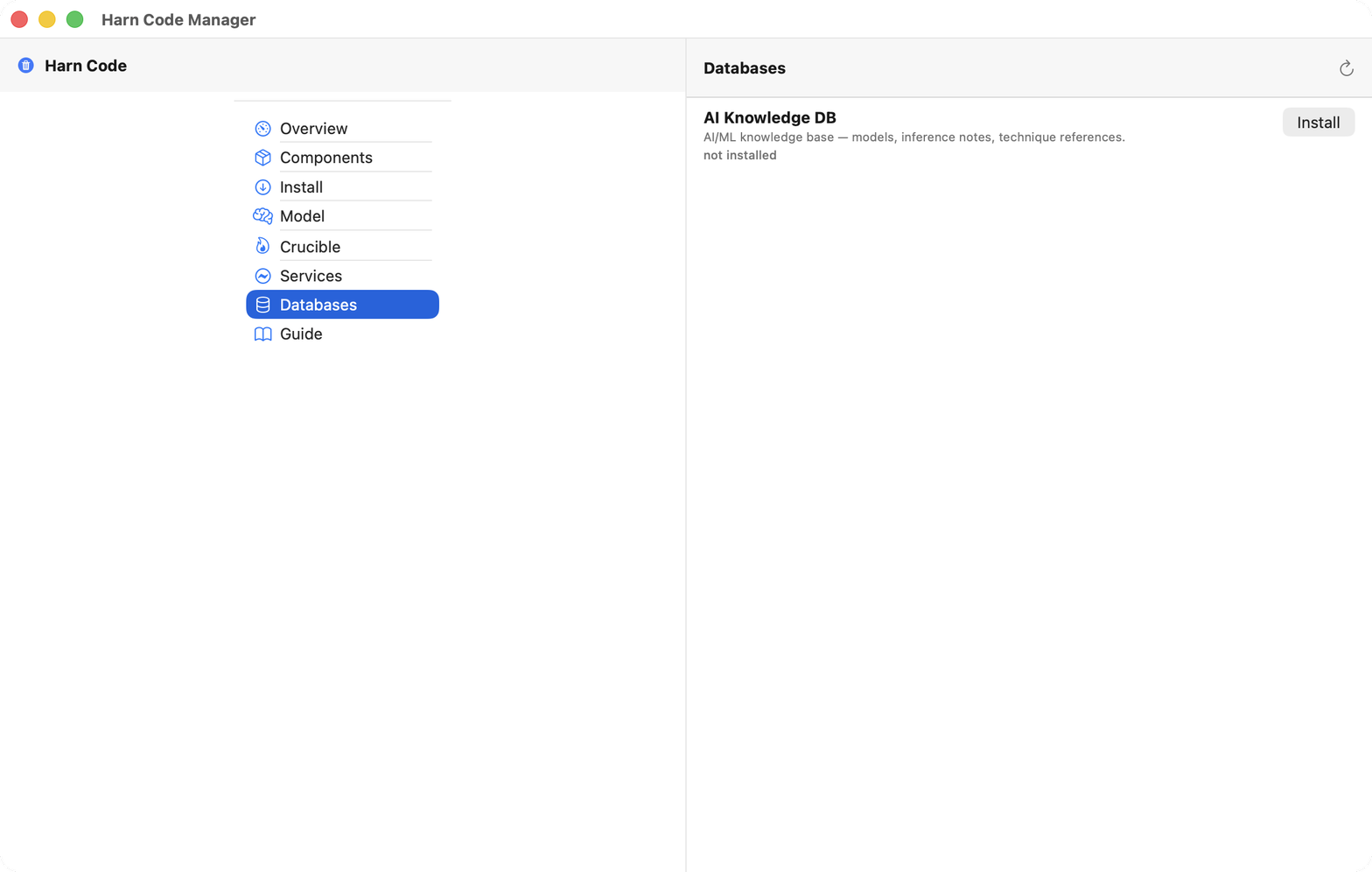
Databases
Install the AI knowledge base: models, inference notes, technique references.
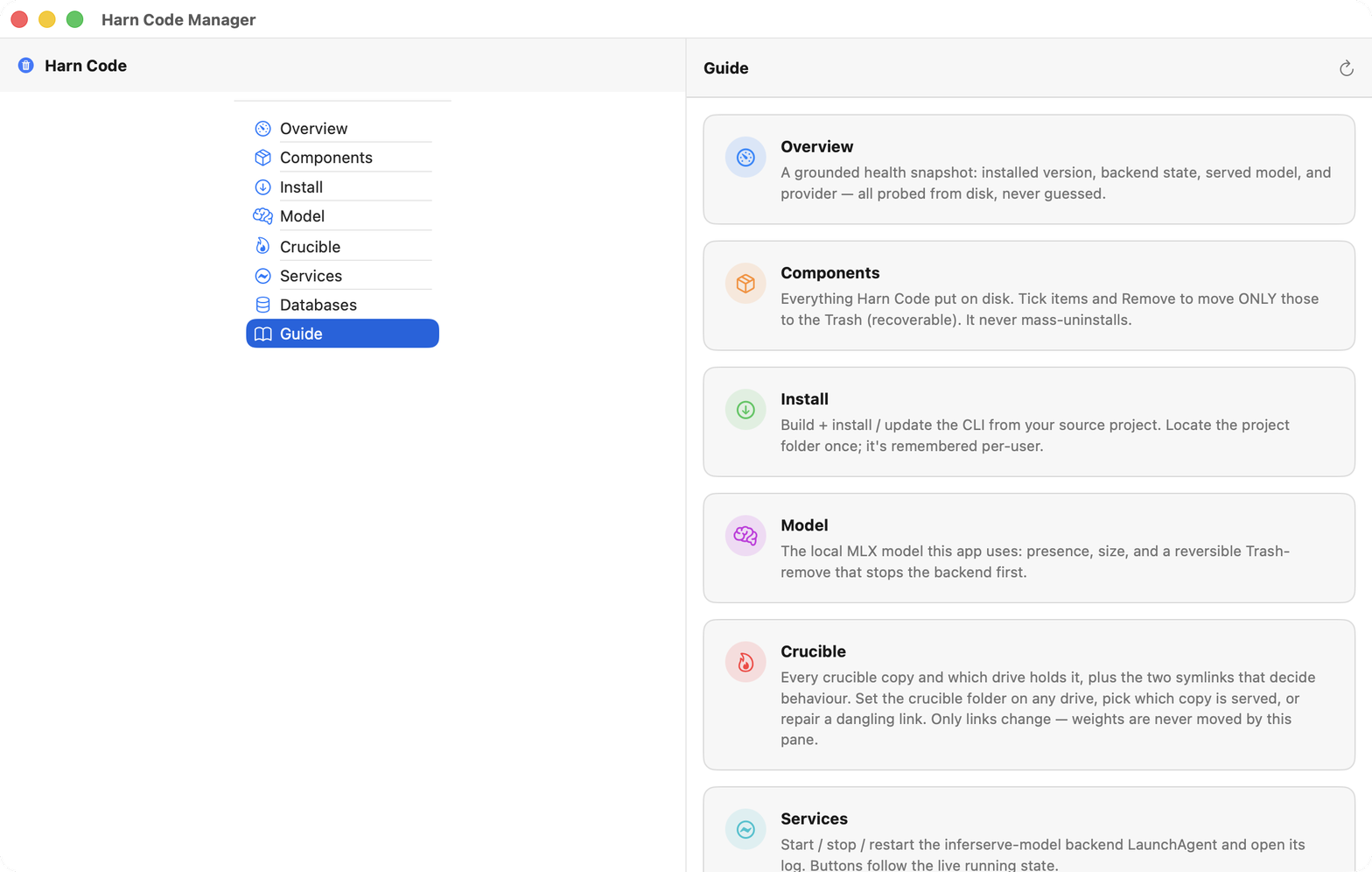
Guide
Every tab explained in the window, so nothing needs a manual.
Features
Multi-provider: local models or cloud APIs
Terminal CLI and native desktop app
On-device inference on Apple Silicon
On-device model training (crucible)
One-click installer and doctor
First launch
Downloads are zipped Mac apps. They are not notarized by Apple yet: after unzipping, open System Settings → Privacy & Security and click "Open Anyway" the first time. Protected builds include a 14-day free trial. After purchase on Gumroad, you receive a one-line T1.… license key. GUI apps show an activation dialog on first launch. Paste your key and click Activate. CLI tools accept the key via TOWEL_OBF_LICENSE environment variable.
If Gatekeeper blocks the unzipped app, drop it on Towel Signer.

Support
Problem with Harn? Email toweltoolshop@gmail.com.